

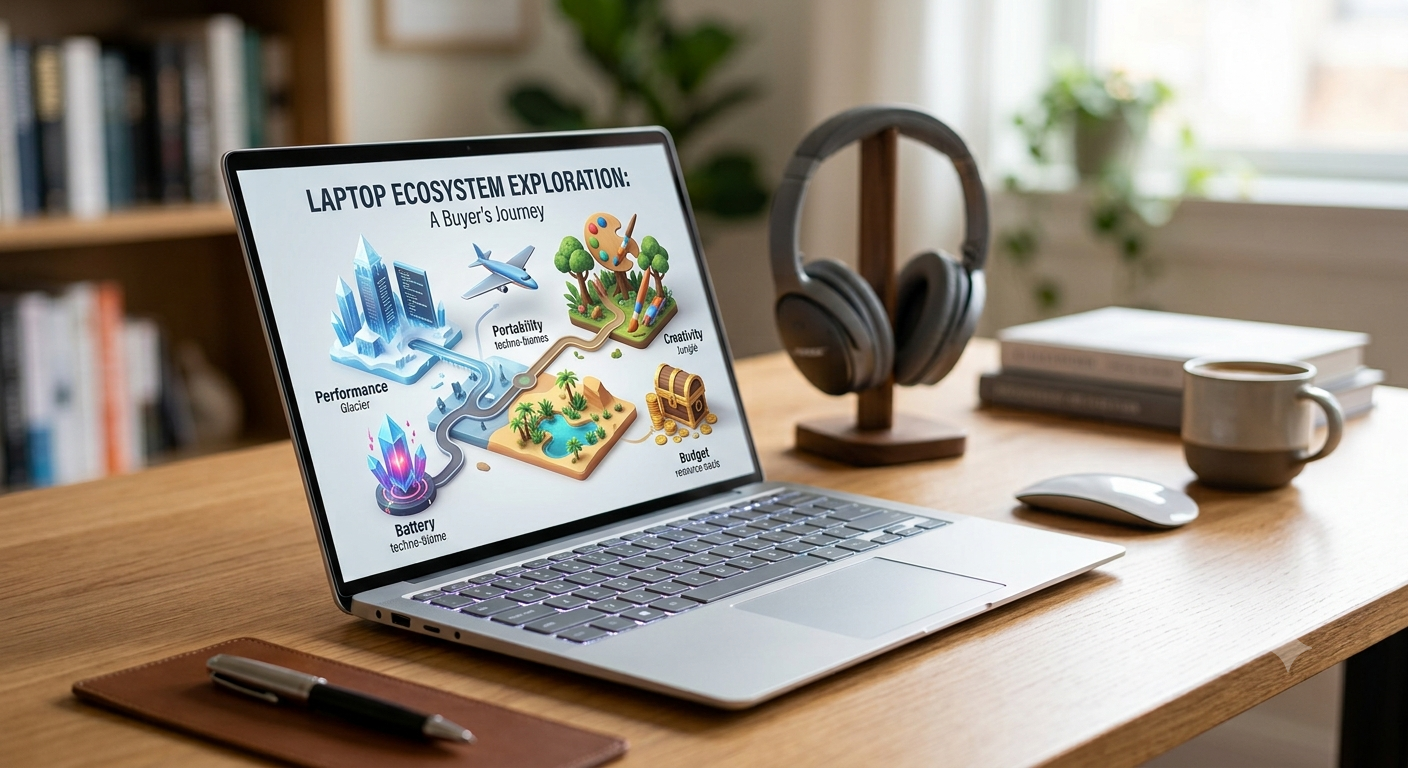
Whether you’re attending online classes, running a business, editing videos, gaming, or simply browsing the internet, choosing the right laptop can make a huge difference in your productivity and overall experience. With hundreds of models available, it’s easy to get overwhelmed by technical jargon and endless specifications.
At Gish, we believe buying a laptop should be an informed decision, not a guessing game. This guide breaks down everything you need to know before investing in your next laptop.
1. First, Know What You’ll Use It For
The biggest mistake many buyers make is purchasing a laptop based on price alone.
Instead, ask yourself:
“What will I be using this laptop for most of the time?”
Your answer determines the type of laptop you should buy.
For Students
If you’re mainly:
- Attending online classes
- Writing assignments
- Researching
- Watching videos
Look for:
- Intel Core i3/Ryzen 3 or better
- 8GB RAM
- 256GB SSD
- Lightweight design
- Long battery life
For Business & Office Work
Choose a laptop with:
- Intel Core i5/Ryzen 5 or higher
- Comfortable keyboard
- Full HD display
- Fast SSD storage
- Reliable battery life
- Strong security features
For Graphic Designers & Content Creators
Creative work requires more power.
Recommended specifications:
- Intel Core i7 or AMD Ryzen 7
- Minimum 16GB RAM
- Dedicated graphics card
- Color-accurate display
- 512GB SSD or larger
For Gamers
Gaming laptops require powerful hardware.
Look for:
- High-performance processor
- Dedicated NVIDIA or AMD graphics
- 16GB RAM or more
- High refresh-rate display (120Hz–165Hz)
- Efficient cooling system
2. Understand the Processor (CPU)
Think of the processor as the brain of your laptop.
The faster the processor, the smoother everything runs.
Popular processors include:
Intel
- Core i3 – Basic everyday tasks
- Core i5 – Excellent for most people
- Core i7 – Heavy multitasking
- Core i9 – Professional workloads
AMD Ryzen
- Ryzen 3 – Everyday use
- Ryzen 5 – Great value
- Ryzen 7 – High performance
- Ryzen 9 – Premium performance
For most users, Intel Core i5 or AMD Ryzen 5 offers the best balance between performance and price.
3. RAM: How Much Do You Really Need?
RAM determines how many tasks your laptop can handle simultaneously.
4GB RAM
Suitable for:
- Basic browsing
- Light office work
Not recommended for long-term use.
8GB RAM
Ideal for:
- Students
- Office work
- Streaming
- Everyday multitasking
This is the minimum most buyers should consider in 2025.
16GB RAM
Perfect for:
- Designers
- Programmers
- Gamers
- Video editing
- Heavy multitasking
32GB or More
Recommended only for professionals handling demanding workloads like 3D rendering, large datasets, or advanced video production.
4. SSD vs HDD: Choose Speed
Storage isn’t just about capacity—it’s also about speed.
HDD (Hard Disk Drive)
Pros:
- Cheaper
- Larger storage
Cons:
- Slower
- More fragile
- Longer boot times
SSD (Solid State Drive)
Pros:
- Extremely fast
- Quiet
- More durable
- Better battery efficiency
Your laptop can boot in seconds instead of minutes.
Whenever possible, choose a laptop with an SSD.
5. How Much Storage Do You Need?
256GB SSD
Perfect for:
- Students
- Office users
- Everyday computing
512GB SSD
Ideal for:
- Professionals
- Designers
- Gamers
- Business users
1TB SSD
Recommended for:
- Video creators
- Large software installations
- Extensive photo libraries
- Heavy users
Cloud storage is useful, but local storage is still important for speed and offline access.
6. Display Quality Matters
You’ll spend hours looking at your screen.
A better display reduces eye strain and improves your overall experience.
Look for:
Full HD (1920×1080)
This should be your minimum choice.
IPS Panel
Benefits include:
- Better viewing angles
- More accurate colors
- Improved brightness
Screen Size
13–14 inches
- Portable
- Great for students
15.6 inches
- Best balance between portability and workspace
17 inches
- Excellent for gaming and creative work
- Less portable
7. Battery Life
A laptop with poor battery life can be frustrating, especially if you’re constantly on the move.
Aim for a laptop that offers at least 8 hours of real-world use on a single charge. Keep in mind that actual battery life depends on what you’re doing—video editing and gaming will drain the battery faster than web browsing or document editing.
8. Graphics: Integrated vs Dedicated
Not every laptop needs a dedicated graphics card.
Integrated Graphics
Suitable for:
- Office work
- Browsing
- Streaming
- Students
Dedicated Graphics
Necessary for:
- Gaming
- Video editing
- Graphic design
- 3D modeling
- Animation
If you don’t use graphics-intensive applications, integrated graphics will usually meet your needs while helping you save money.
9. Ports and Connectivity
Many buyers overlook this until it’s too late.
Check that your laptop has the ports you actually need, such as:
- USB-A
- USB-C
- HDMI
- Audio jack
- SD card reader (if required)
Also ensure it supports modern Wi-Fi and Bluetooth standards for faster, more reliable connections.
10. Build Quality and Portability
If you carry your laptop every day, durability matters.
Consider:
- Weight
- Thickness
- Keyboard comfort
- Trackpad quality
- Strong hinges
- Sturdy materials
A lightweight laptop is ideal for students and professionals who travel frequently.
11. Operating System
Most laptops come with one of these operating systems:
Windows
Great for:
- Students
- Business
- Gaming
- General use
macOS
Excellent for:
- Creative professionals
- Apple ecosystem users
ChromeOS
Best for:
- Web browsing
- Students
- Lightweight tasks
Choose the operating system that fits the software you use every day.
12. Buy from a Trusted Retailer
A laptop is a long-term investment, so where you buy it matters.
Buying from a trusted retailer ensures you receive:
- Genuine products
- Manufacturer warranties
- Reliable after-sales support
- Expert guidance before purchase
- Peace of mind
At Gish, we’re committed to helping you choose a laptop that suits your needs—not just the one with the biggest price tag. Whether you’re buying your first laptop or upgrading to a more powerful machine, our team is here to help.
Common Mistakes to Avoid
❌ Buying based only on price.
❌ Choosing too little RAM.
❌ Ignoring SSD storage.
❌ Buying a gaming laptop when you only browse the web.
❌ Overlooking battery life.
❌ Forgetting to check available ports.
❌ Purchasing from unverified sellers.
Final Thoughts
The right laptop should support your work, education, creativity, and entertainment for years to come. By understanding what you need—and what each specification actually means—you can avoid unnecessary expenses and choose a device that truly fits your lifestyle.
At Gish, we believe technology should empower you, not confuse you. Browse our latest collection of laptops from trusted brands and let our team help you find the perfect match for your budget and goals.
Looking for your next laptop? Visit Gish today and discover reliable, high-performance laptops backed by expert advice and dependable customer support.

Aliquid aut non dolores aliquam enim fuga culpa. Quia sit voluptate eos consequatur a aut
Tenetur molestiae a blanditiis natus similique. Ipsum iste et placeat et. Est aut natus aut quo debitis velit. error assumenda porro nobis laborum. Et natus odio commodi quasi. Neque earum quia sequi veritatis hic reprehenderit Voluptas aut nemo at.
Laboriosam ut officiis quas error voluptate autem. Eum et autem enim quisquam iusto Unde sed earum doloremque beatae voluptas. Voluptas voluptatum temporibus dolores veniam neque quo. Veniam ut excepturi illo rerum aut impedit omnis. Repellat est suscipit quis. Dolorem fuga veritatis non sunt doloremque libero. aliquam qui Enim eius cumque magni rerum nam.
Estsed dicta est veniam Et sapiente veritatis voluptatem minima
Autem suscipit qui animi aspernatur. Voluptatem velit dolorem quo vel
Ut repellat suscipit quam officiis. Dolores quia voluptas officia aut excepturi quaerat nam. Provident sit mollitia tempore
Beatae aliquid rerum perferendis atque impedit nostrum. Commodi eos voluptatem laborum esse.
Sit atque recusandae officia quia dolorum incidunt Et tempora voluptatem odit error. Debitis error tenetur aut voluptatem et aut. Qui voluptatem harum alias. Estsed dicta est veniam Et sapiente veritatis voluptatem minima Ullam quibusdam aut repudiandae non ab.
Estsed dicta est veniam Et sapiente veritatis voluptatem minima